
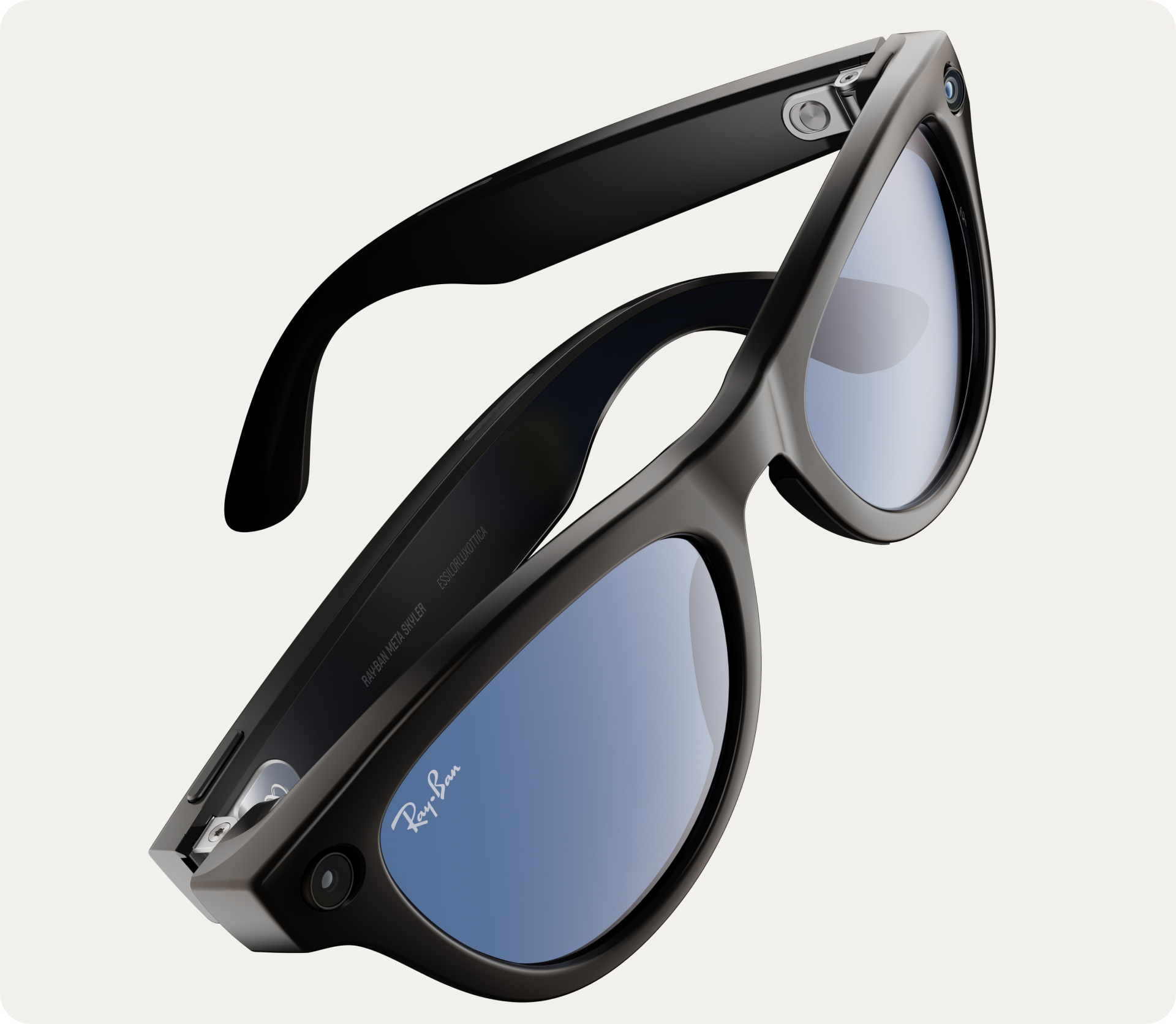
Ray-Ban Meta AI Glasses are redefining what smart glasses should be — stylish, lightweight, intelligent, and useful in everyday life. Built through a collaboration between Meta and Ray-Ban, these glasses bring together iconic fashion with advanced AI features, allowing users to capture moments, get real-time information, listen to audio, translate languages and interact with Meta AI hands-free.
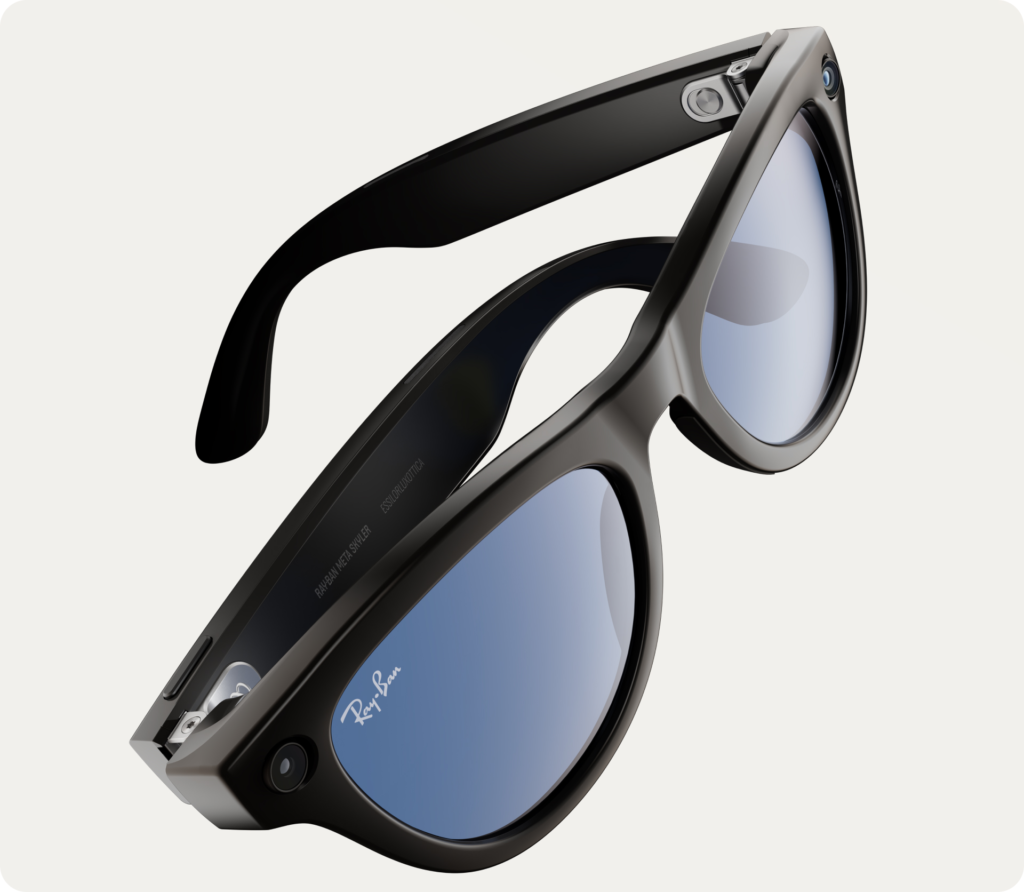
This blog covers their features, performance, who they’re built for, and whether they’re worth the hype — in a simple, readable format where each point is explained in 2–3 lines.
1. Premium and Stylish Design
- Ray-Ban Meta AI Glasses look identical to classic Ray-Ban frames like the Wayfarer and Headliner, giving them a stylish and non-tech appearance.
- The lightweight build makes them comfortable for daily wear, whether indoors or outdoors.
- They come with multiple lens options — clear, sun, polarized, transitions and prescription — so they suit all kinds of users.
2. 12MP Camera for Photos and Videos
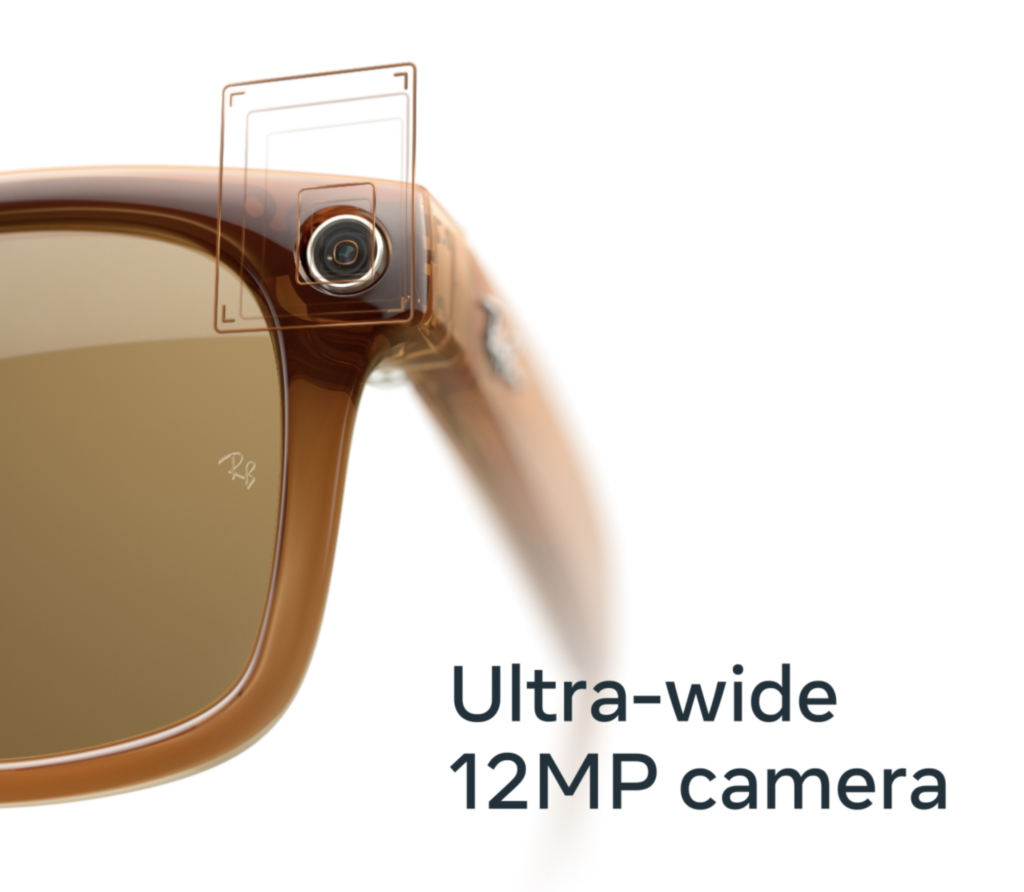
- The built-in 12MP ultra-wide camera lets you take POV photos and 1080p videos hands-free.
- Simply say “Hey Meta, take a photo” or tap the frame to capture moments instantly.
- This feature is perfect for travel, adventure, cooking, cycling or creating content without using your hands.
3. Livestreaming for Social Media
- You can livestream directly to Facebook or Instagram using the glasses, giving creators a natural first-person viewpoint.
- The glasses connect instantly through the Meta app for easy streaming controls.
- It removes the need to hold a phone, letting you share experiences more freely and naturally.
4. Open-Ear Audio System
- The glasses include tiny directional speakers that let you listen to music or calls without blocking your ears.
- Unlike earbuds, they allow external awareness, which is safer when walking or commuting.
- Sound leakage is minimal, so others nearby cannot easily hear what you’re listening to.
5. Built-In 5-Microphone Array
- Multiple microphones capture clear voice commands even in busy or noisy environments.
- During calls, the system reduces background noise for a better speaking experience.
- This makes the glasses practical for calling on the move or hands-free communication.
6. Meta AI Voice Assistant
- You can activate the assistant by saying “Hey Meta,” allowing fully hands-free interaction.
- It can answer questions, give updates, set reminders, send messages and help with daily tasks.
- This turns the glasses into a voice-controlled smart companion available anytime.
7. Visual AI Capabilities
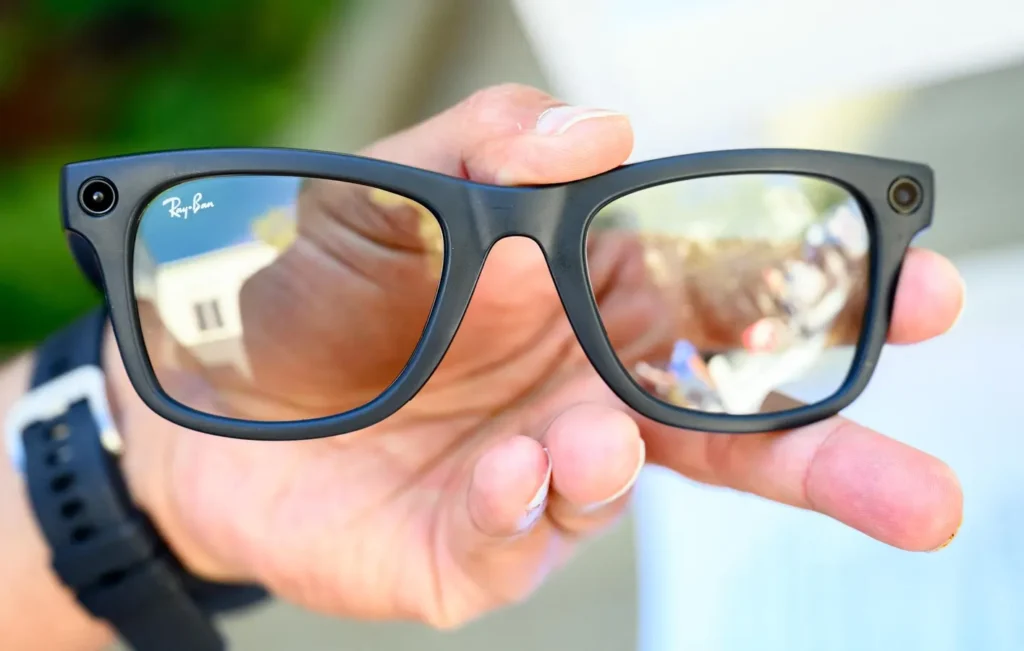
- The glasses can identify objects, read signs and describe what’s in front of you using the camera + AI.
- This is highly useful while shopping, traveling or exploring new places.
- For visually impaired users, it offers valuable assistance by describing surroundings in real-time.
8. Real-Time Translation
- Ray-Ban Meta can translate spoken languages directly through the microphones and speakers.
- You can ask the glasses to translate menus, signs or conversations during travel.
- This makes them an excellent tool for tourists navigating foreign languages.
9. Hands-Free Content Creation
- POV videos and photos feel natural and immersive because they’re recorded from your eye level.
- Creators can document activities like biking, hiking, cooking or crafting without mounting a camera.
- This eliminates shaky phone footage and makes content more stable and engaging.
10. Better Social Comfort Than Other Smart Glasses
- Unlike bulky AR headsets, these look like normal eyewear, avoiding unwanted attention.
- This encourages more daily usage, making smart glasses feel natural in everyday settings.
- Ray-Ban’s iconic style removes the “tech gadget” look that many people dislike.
11. Battery Life and Charging Case
- The glasses last 4–6 hours depending on how much camera or AI you use.
- The included charging case provides multiple recharges, useful for full-day usage.
- The case looks like a standard Ray-Ban cover, keeping the design aesthetic consistent.
12. Easy App Integration
- The Meta app lets you view your photos, videos, livestream settings and AI preferences.
- It provides full customization, including touch controls, privacy settings and device updates.
- The interface is clean and beginner-friendly, making setup simple even for new users.
13. Safety and Privacy Features
- A bright LED indicator turns on whenever the camera is recording, making your actions transparent.
- Users can disable cloud uploads and manage privacy settings directly in the app.
- Face recognition is restricted, and all visual AI features follow strict privacy guidelines.
14. Ideal for Travelers
- Hands-free photo capturing makes traveling easier because you don’t need to pull out your phone constantly.
- Translation and visual recognition help with maps, street signs and foreign text.
- Open-ear audio lets you receive directions without isolating yourself from your surroundings.
15. Useful for Students
- Students can ask Meta AI questions, translations or quick facts during study sessions.
- Listening to lectures or notes through open-ear audio feels natural and comfortable.
- They can also record POV videos of experiments or hands-on activities.
16. Beneficial for Creators
- Influencers and vloggers can shoot dynamic POV shots that look more engaging and cinematic.
- Livestreams feel more immersive because viewers see exactly what the creator sees.
- Unlike holding a phone, creators can use both hands freely while recording.
17. Great for Commuters
- Open-ear audio makes them safer than earbuds during walking or cycling.
- You can take calls hands-free while carrying bags or riding a bike.
- Voice commands help you get updates or directions without touching your phone.
18. Accessibility Support
- The glasses act as an assistant for people with low vision through scene descriptions.
- They can read text such as documents, labels or instructions out loud.
- Object identification helps with daily tasks like shopping or navigating spaces.
19. Limitations You Should Know
- They don’t offer full AR overlays like Apple Vision Pro or AR headsets.
- Battery life is decent but not enough for continuous all-day recording.
- Some AI features may not be available in all countries during early rollout.
20. Who Should Buy Ray-Ban Meta AI Glasses?
- Creators who want hands-free, high-quality POV content.
- Travelers who benefit from translations, navigation and quick photo capture.
- Professionals needing hands-free calls and reminders.
- Students looking for portable AI assistance.
- Accessibility users who gain independence from AI descriptions.
Conclusion: Are Ray-Ban Meta AI Glasses Worth It?
Ray-Ban Meta AI Glasses strike the perfect balance between style, intelligence and everyday practicality. They are lightweight, natural-looking and packed with genuinely useful features. Whether you’re capturing moments, traveling, working, learning or just living your day — these glasses make everything easier and more intuitive.
If you want wearable tech that blends fashion with function and brings AI into your daily life effortlessly, Ray-Ban Meta AI Glasses are one of the best smart-glasses options available today.