
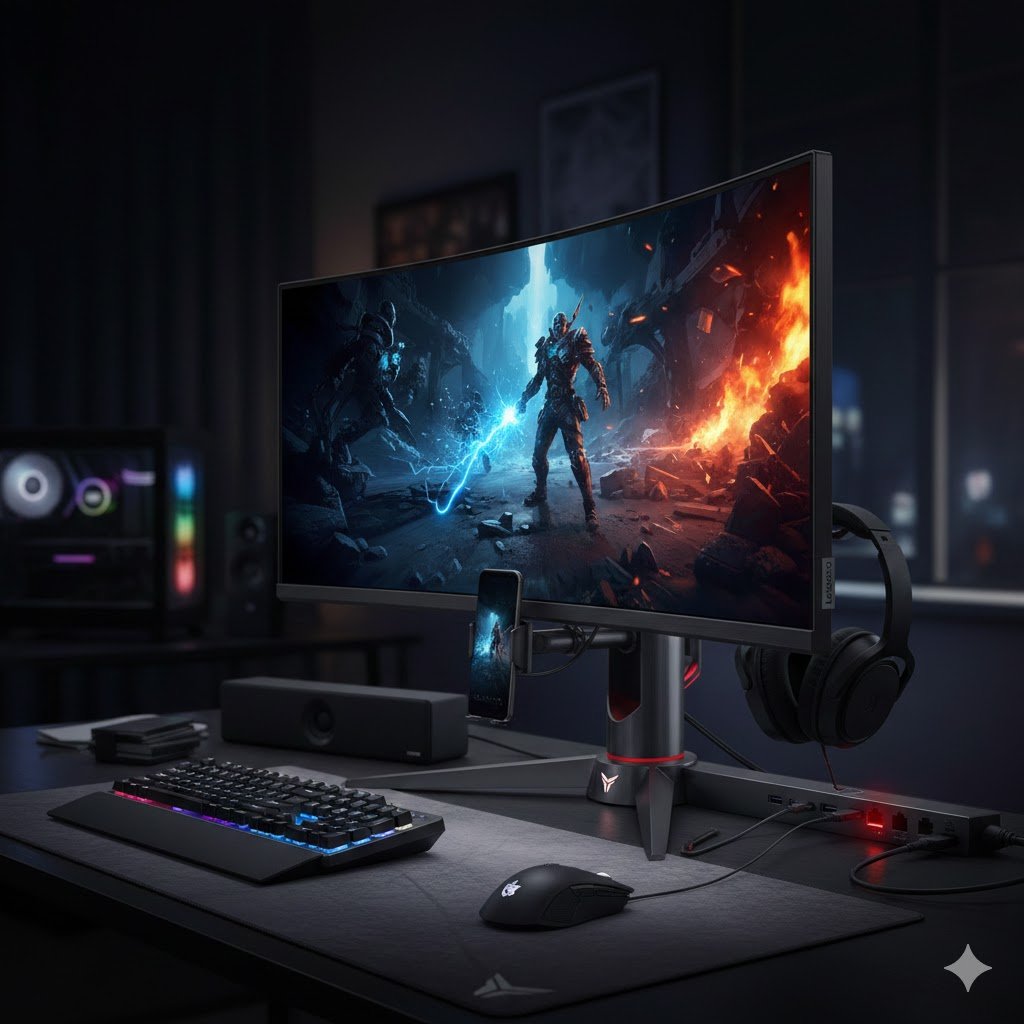
What Is the Lenovo Legion Pro 34WD-10
The Lenovo Legion Pro 34WD-10 is a premium 34-inch curved OLED ultrawide monitor, aimed at gamers, content creators and productivity users who demand a high-end display with lots of features. It’s not just another big monitor — it tries to deliver a complete experience combining top-tier display quality, fast performance, extensive connectivity, and immersive immersion via its curved ultrawide form factor.
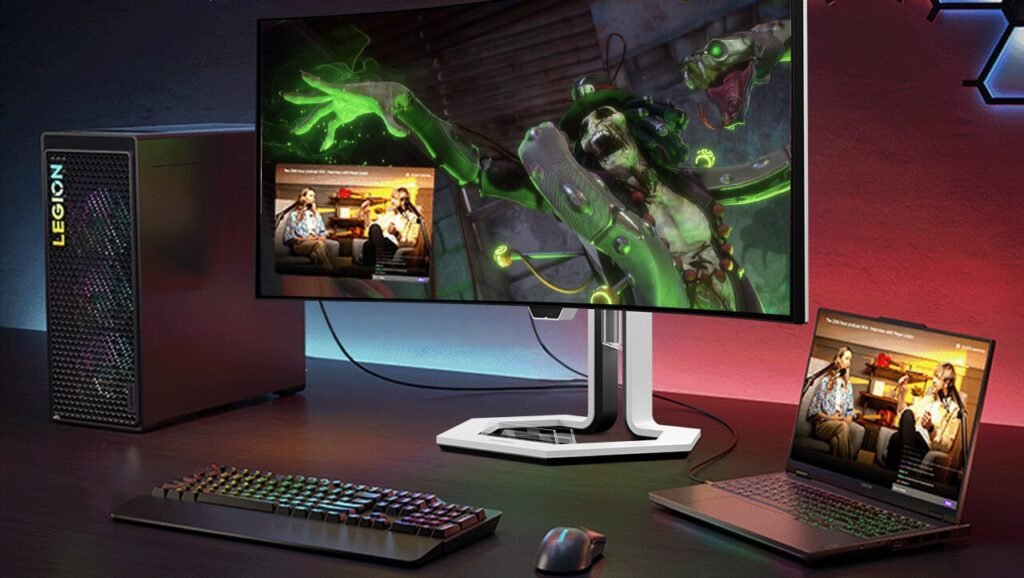
If you’re considering upgrading to a modern ultrawide setup — for gaming, editing, or multitasking — the 34WD-10 is one of the most talked-about choices in 2025. Let’s dive deep into what makes it special (and where it falls short).
Key Specifications & Core Strengths
Here are the headline specs that make the Legion Pro 34WD-10 stand out — and why they matter.
- Screen & Panel: 34-inch OLED, 3440 × 1440 (WQHD), 21:9 aspect ratio, curved — great for immersive wide-field viewing.
- Refresh Rate & Responsiveness: 240 Hz refresh rate + ultra-fast 0.03 ms response time — meaning smooth motion, minimal lag or ghosting. Great for competitive gaming and fast-paced action.
- Color & Contrast: OLED panel delivers deep blacks, high contrast ratio (1,500,000 : 1) and vibrant colors; outstanding for games, movies, and HDR content.
- Connectivity & Hub Capabilities: Multiple ports — HDMI 2.1, DisplayPort 1.4, USB-C with 140W power delivery, USB-A, and even Ethernet; can act like a docking hub.
- Curved Ultrawide & Immersive Experience: The curved 21:9 ultrawide display wraps content around your field of view — be it games, movies, or productivity windows — offering a more immersive feel than flat or standard monitors.
- Versatility: Because of its specs and connectivity, the monitor works well not just for gaming but for creative work (video editing, content creation), multitasking (multiple windows, wide spreadsheets), and media consumption.
In short: stunning visuals + blazing-fast performance + strong connectivity + wide form factor = a monitor built for power users.
What It’s Great For
Gaming — Fast, Smooth & Immersive
If you play high-speed, competitive shooters or action games, the 240 Hz refresh rate combined with 0.03 ms response time makes motion fluid, aiming smooth, and reduces motion blur. The OLED panel’s deep blacks and vibrant colors enhance immersion, especially in dark or visually rich scenes. Reviewers often mention that games like Cyberpunk 2077, action-heavy titles, and even atmospheric RPGs look superb.
The curved ultrawide format adds peripheral vision advantage and a cinematic feel — great for both competitive play and immersive story-driven games.
Media & Entertainment — Movies, Videos & More
Watching movies or streaming shows on a 21:9 ultrawide OLED makes content vivid and cinematic. Blacks are deep, contrast is strong, and the color richness is outstanding — making HDR-supported content particularly appealing. For movie buffs and binge-watchers, this monitor provides a theatre-like experience.
Productivity & Multitasking — One Screen, Many Windows
The wide resolution gives ample horizontal space — perfect for working with multiple windows side by side, comparing documents, coding on one side and reference on the other, or editing video/timeline while previewing content. Many users find that a single ultrawide monitor replaces a dual-monitor setup, saving desk space and reducing bezel distraction.
Content Creation & Creative Work — Editing & Design
For creators — video editors, graphic designers, content makers — the OLED panel’s color accuracy, contrast and smoothness matter a lot. The deep blacks help with grading, and the wide horizontal space fits timelines or editing tools comfortably. Color coverage and vibrancy give more realistic previews and editing workspace.
Connectivity & Future-Proof Use — Docking, Hub & Versatility
With multiple HDMI 2.1 ports, DisplayPort, USB-C (with 140W power pass-through), USB-A ports, Ethernet, etc., the monitor behaves like a hub. This simplifies a clean desk setup — one cable for power, video, data, and network — especially useful if you use laptops or multiple devices.
Where It Falls Short — Limitations & Trade-Offs
No device is perfect. Here are some real shortcomings of the 34WD-10 you should know before buying.
Brightness is Just Average (Especially for OLED)
While OLED delivers excellent contrast, the typical brightness (~275 cd/m²), and even max brightness (~450 cd/m²) may feel modest compared to some high-end IPS or QD-OLED rivals — especially in bright, well-lit rooms or under direct sunlight.
This means in very bright ambient light, visibility may suffer a little, and HDR impact won’t be as strong as if the panel had very high peak brightness.
Size & Bulk — Large Footprint, Less Portability
At 34 inches and with its curved ultrawide frame, the monitor is bulky and heavy. It needs a fairly large desk, and it’s not easy to move around or mount without help. Typical of large curved monitors.
If you have limited space, or you often reposition your setup, this monitor might feel unwieldy.
Premium Price — Higher Cost Than Some Rivals
The Legion Pro 34WD-10 comes at a premium price point. For some users, the cost may seem steep compared to other ultrawide or curved monitors — and there are alternative OLED or QD-OLED options that offer similar or slightly different feature sets at lower prices.
If you don’t use the features to full extent (like high FPS gaming, editing, or dock usage), it might be overkill.
Color Space Limits for Professional Editors
While the panel covers sRGB and DCI-P3 gamuts well, it lacks Adobe RGB support — which may be a drawback for print-oriented photo editors needing wider color space coverage.
Lenovo Legion Pro 34WD-10 — Feature Table
| Feature | Specification / Detail |
|---|---|
| Display Size & Panel | 34-inch ultrawide OLED display |
| Resolution & Aspect Ratio | 3440 × 1440 (WQHD) — 21:9 aspect ratio |
| Refresh Rate | Up to 240 Hz — ideal for smooth gaming and high-FPS content |
| Response Time | ~0.03 ms (GTG) — minimizes motion blur and ghosting |
| Panel Type / Curvature | PureSight OLED, curved with approx. 800R curvature for immersive viewing |
| Color & Contrast | Deep blacks, high contrast (OLED advantage), wide color gamut — handles vivid colors and HDR content well |
| Adaptive Sync / HDR / Extra Display Features | Supports AMD FreeSync Premium/Adaptive Sync; 10-bit color depth; suited for HDR gaming / content |
| Connectivity & Ports | Multiple ports: 2× HDMI 2.1, 1× DisplayPort 1.4, USB-C (with power delivery), USB-A, Ethernet — acts as docking hub |
| Built-in Audio | Onboard speakers (2 x 5 W) — useful for basic audio without external speakers/headphones |
| Ergonomics & Stand Adjustments | Adjustable stand: tilt, swivel, height adjustments — helps customize for comfort and productivity |
| Use-Cases | Ideal for gaming (especially high-fps), content creation, video editing, productivity, multitasking, media streaming — thanks to wide space + OLED clarity + fast refresh + connectivity. |
| Weight & Build | Solid build quality — typical of a premium ultrawide monitor. |
Who Should Buy the Legion Pro 34WD-10 — Ideal User Profiles
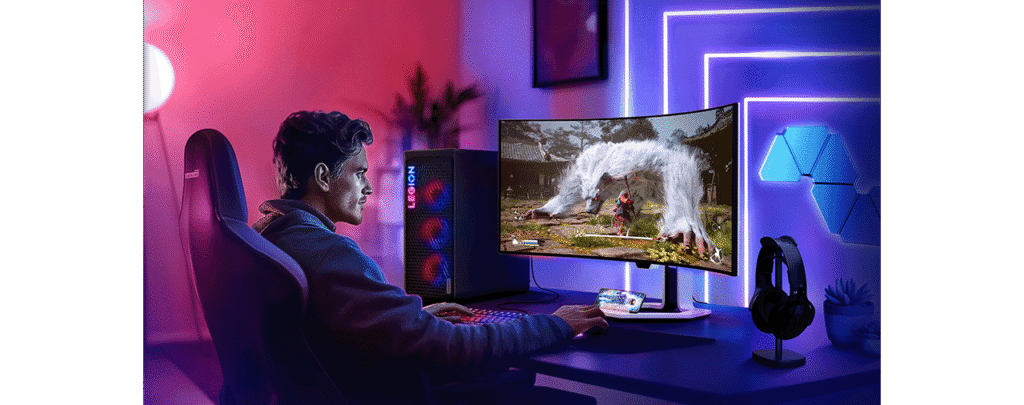
Based on its strengths and weaknesses, this monitor is ideal for:
- Hardcore gamers — especially FPS, action and immersive games where refresh rate, response time, and OLED contrast matter.
- Content creators / video editors / designers — who benefit from wide workspace, color accuracy, and immersive display.
- Multitaskers & productivity users — programmers, editors, data analysts, or anyone juggling many windows or tasks.
- Media consumers & movie/series lovers — thanks to ultrawide aspect, rich colors, cinematic feel.
- Users wanting a docking-hub style setup — with USB-C PD, multiple ports and all-in-one convenience.
It might be overkill if you only browse, do casual work, or have limited desk space.
My Verdict — Is It Worth It?
After evaluating the strengths and trade-offs, I believe the Lenovo Legion Pro 34WD-10 earns its place among top-tier ultrawide monitors. It is a flagship-class display that delivers immersive gaming, creative versatility, and productivity benefits — all wrapped in a premium OLED curved panel with robust connectivity.
For users who want more than “just a monitor”— those who play high-FPS games, edit video, multitask heavily, or want a beautiful wide canvas for movie and media enjoyment — the 34WD-10 is one of the best choices in 2025. It’s a “buy once, stay ahead” monitor rather than a budget pick.
However, if you’re on a tight budget, have limited desk space, or don’t need ultra-wide or high refresh capabilities, you might find simpler monitors (or smaller ultrawides) to be more practical.
In short: If you care about performance, immersion, versatility, and future-proofing, Lenovo’s ultrawide 34WD-10 is very much worth the investment.
Quick Summary: Pros and Cons
Pros:
- Stunning OLED panel — deep blacks, vibrant colors, high contrast
- 240 Hz + 0.03 ms — excellent for gaming and smooth responsiveness
- Ultra-wide 21:9 curved design — immersive, increases productivity
- Excellent connectivity — HDMI 2.1, DP 1.4, USB-C with power delivery, Ethernet, USB hub
- Great for gaming, editing, multitasking, media consumption
- Can function as a docking hub for laptops/peripherals
Cons:
- Brightness is modest (less ideal in very bright rooms)
- Bulky and heavy — needs a good desk set-up
- Premium price — expensive compared to mid-range monitors
- No Adobe RGB color mode — less suited for high-end print-focused editing